MSAD 6 Budget Information
To view budget information, either click on the specific icon above.
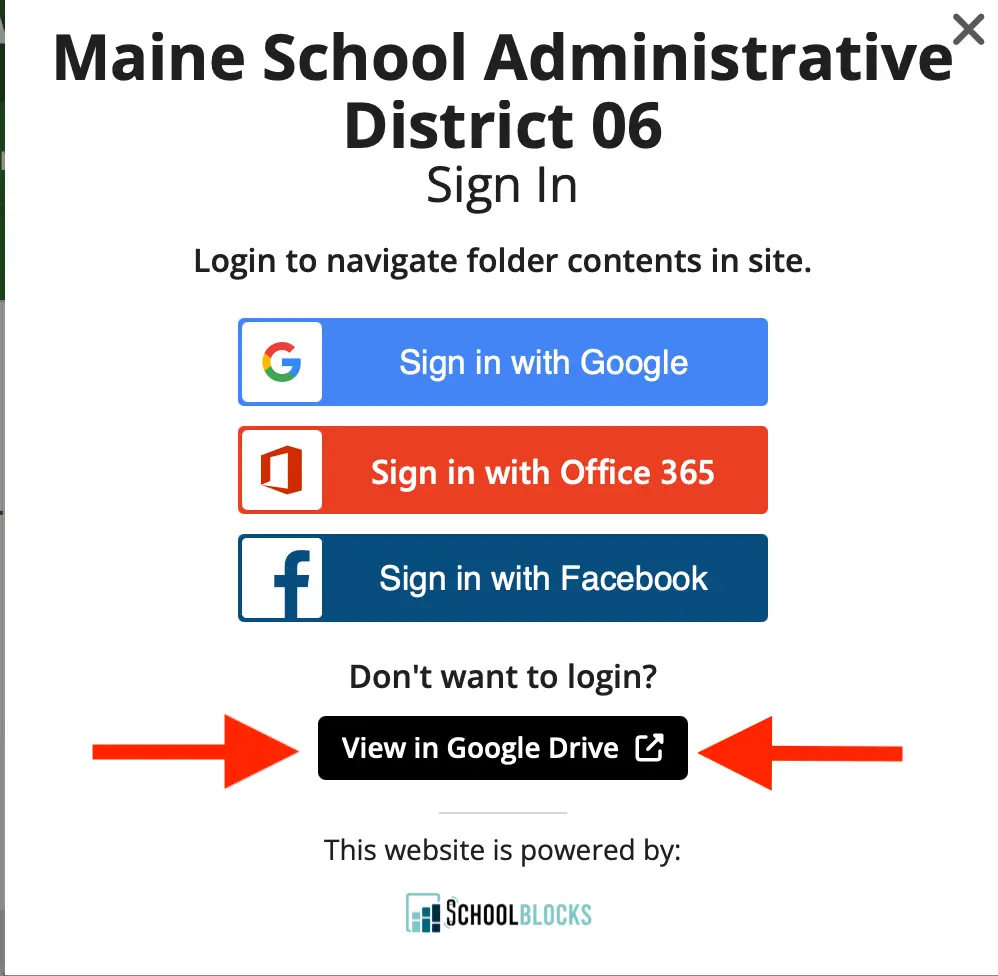
OR click on a folder in the list below and when prompted to sign in, click on the black button that says "View in Google Drive".
If using the icons above, you will not get the pop up about signing in or click on "View in Google Drive."
Budget Information
Name


5. BAC Member Application rev 10.09.25.pdf
Links
- BAC 2021-2022
- BAC 2025 - 2026
- BAC Recorded Meetings 2021-2022
- BAC 2025 - 2026
- BAC 2025 - 2026